
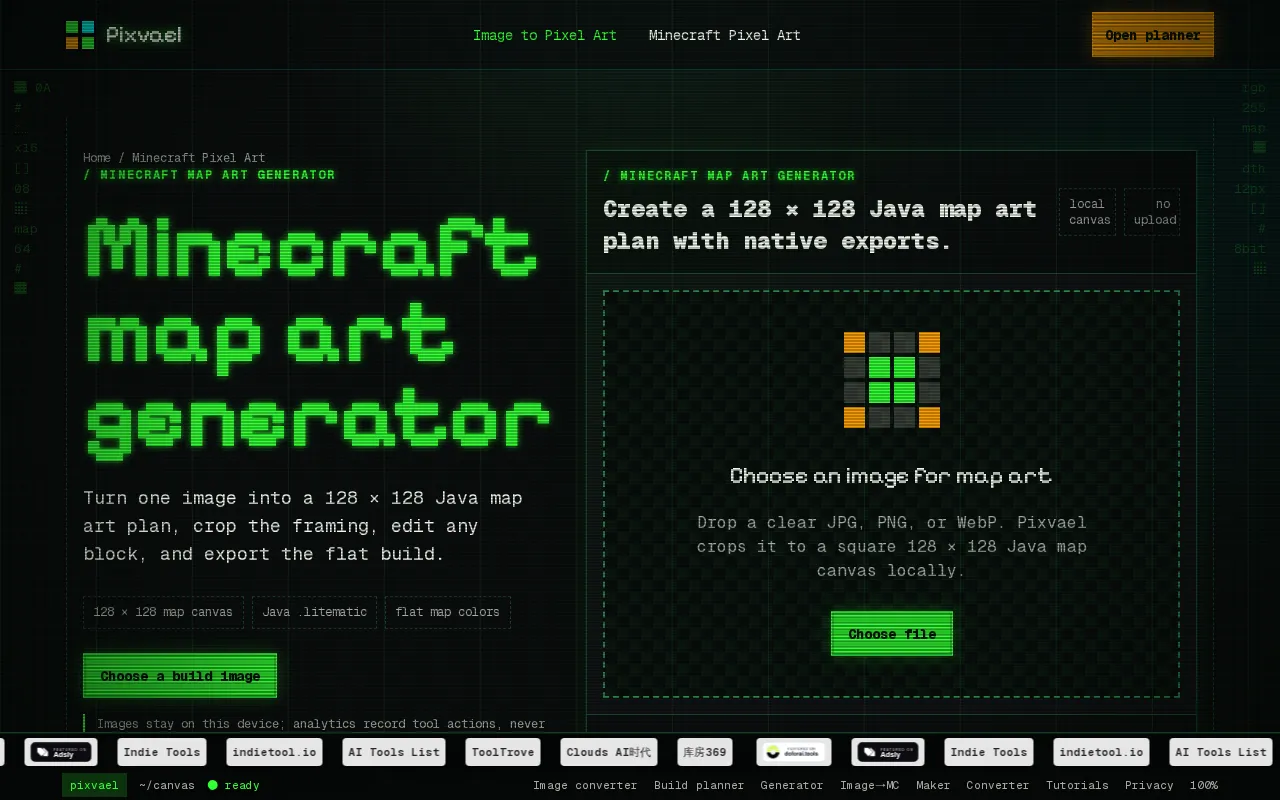
Introduction:Turns any image into a 128×128 Minecraft Java map art build. Crop, edit blocks one by one, get exact material counts, and export .litematic or .schematic files. Runs entirely in the browser — free, no signup, no upload.
What is Pixvael Minecraft Map Art Generator?
Pixvael Minecraft Map Art Generator — Create a 128×128 Java Minecraft map art build from any image. Crop, edit blocks, count materials, and export .litematic or .schematic files locally. (This listing was generated from the submitter's description and the tool's public website metadata when the submission was approved; details are being enriched by the editorial team.)
Pixvael Minecraft Map Art Generator's Core Features
- Pixvael Minecraft Map Art Generator is available via its official website at pixvael.com.
- Listed in AI Art Generator, AI Crop Image, AI Image Description Generator on the AI Navigation Directory.
- Pricing model submitted by the developer: free.
Related Tools
 Google AI StudioFreeGoogle AI Studio is a browser-based IDE for prototyping and building AI applications with Google's Gemini models.
 SoraSora transforms text and images into immersive AI-generated videos for creative storytelling and visualization.
 PolyBuzzFreePolyBuzz is an AI chatbot platform for creating and engaging with personalized AI characters for immersive roleplay and conversations.
 SeaArt AIFreeSeaArt AI is an AI-powered platform for creating and customizing digital artwork, videos, and characters from text or image prompts.
 PerchanceFreePerchance is a platform for creating and using random text and AI-powered content generators, offering tools for storytelling, character creation, and image generation.
 MidjourneyMidjourney is an AI-powered platform for generating stunning images from text prompts.